Warranty Support
Warranty Support
Clear support when an organization product needs closer review.
If you have a concern about the condition, construction or everyday function of a ZenHaven storage product, contact us with the order and product details. Our team can review the information provided and help clarify the appropriate next step.

A Practical Support Process
The clearest review begins with complete and accurate details.
Warranty support is easier to assess when the product, order and concern are documented clearly. Providing the relevant context helps avoid unnecessary back-and-forth.
“Show us the product, describe what happened and explain how it has been used in the room.”
What to Expect
Four stages of a warranty support review.
Each request is considered using the information available. Submission does not automatically confirm eligibility, a replacement, a refund or another specific outcome.
01 · Submit
Share the order and product details.
Include the customer name, order reference when available, product name and the room or storage area where the item has been used.
02 · Document
Provide clear photos of the concern.
Show the full product, the affected area and any detail that helps explain the condition without hiding the surrounding context.
03 · Review
Allow the information to be assessed.
The review may consider product condition, intended use, loading, room environment, care method and the details supplied with the request.
04 · Next Step
Receive guidance based on the review.
The next step may involve additional information, care guidance or another support direction appropriate to the circumstances of the request.
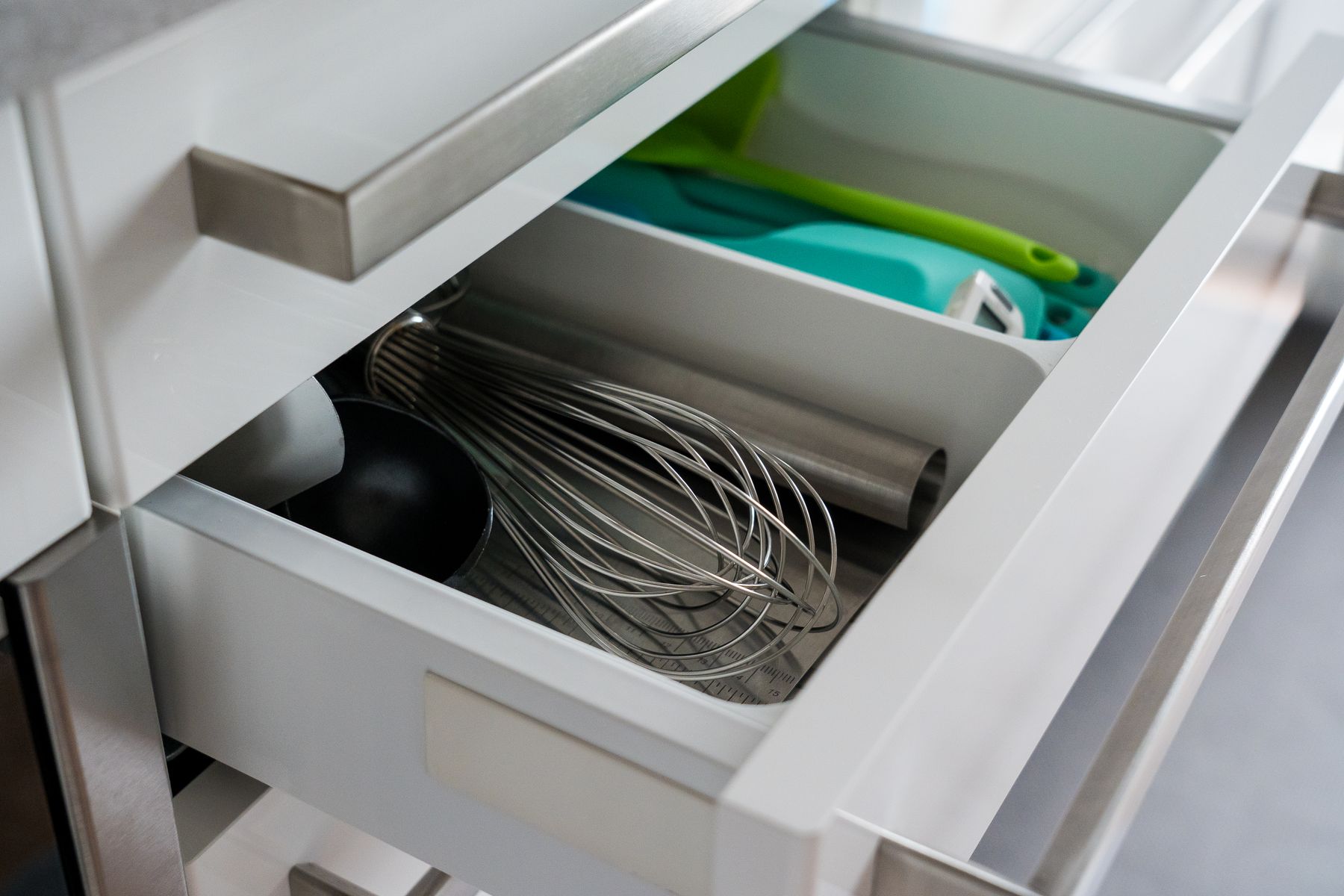
Document the Concern
Useful photos show both the detail and the full product.
A close-up can show the affected area, while a wider image helps explain how the organizer is positioned, loaded and used. Clear natural lighting and an unobstructed view are usually more helpful than heavily cropped or edited images.
- Photograph the complete organizer from a clear angle.
- Add a close view of the specific area that concerns you.
- Show how the product sits inside the drawer, cabinet, shelf or room.
- Avoid filters, screenshots or images that hide the product condition.
Before You Contact Us
Prepare three groups of information.
A concise request with complete details is easier to understand and review.
Order information.
Provide the customer name, email used for the order and order reference when available. Do not send payment-card information.
Product information.
Identify the product, quantity involved, room of use and approximate point at which the concern was first noticed.
Usage information.
Describe what was stored, how the organizer was positioned, how it was cleaned and any relevant room conditions such as moisture or heat.
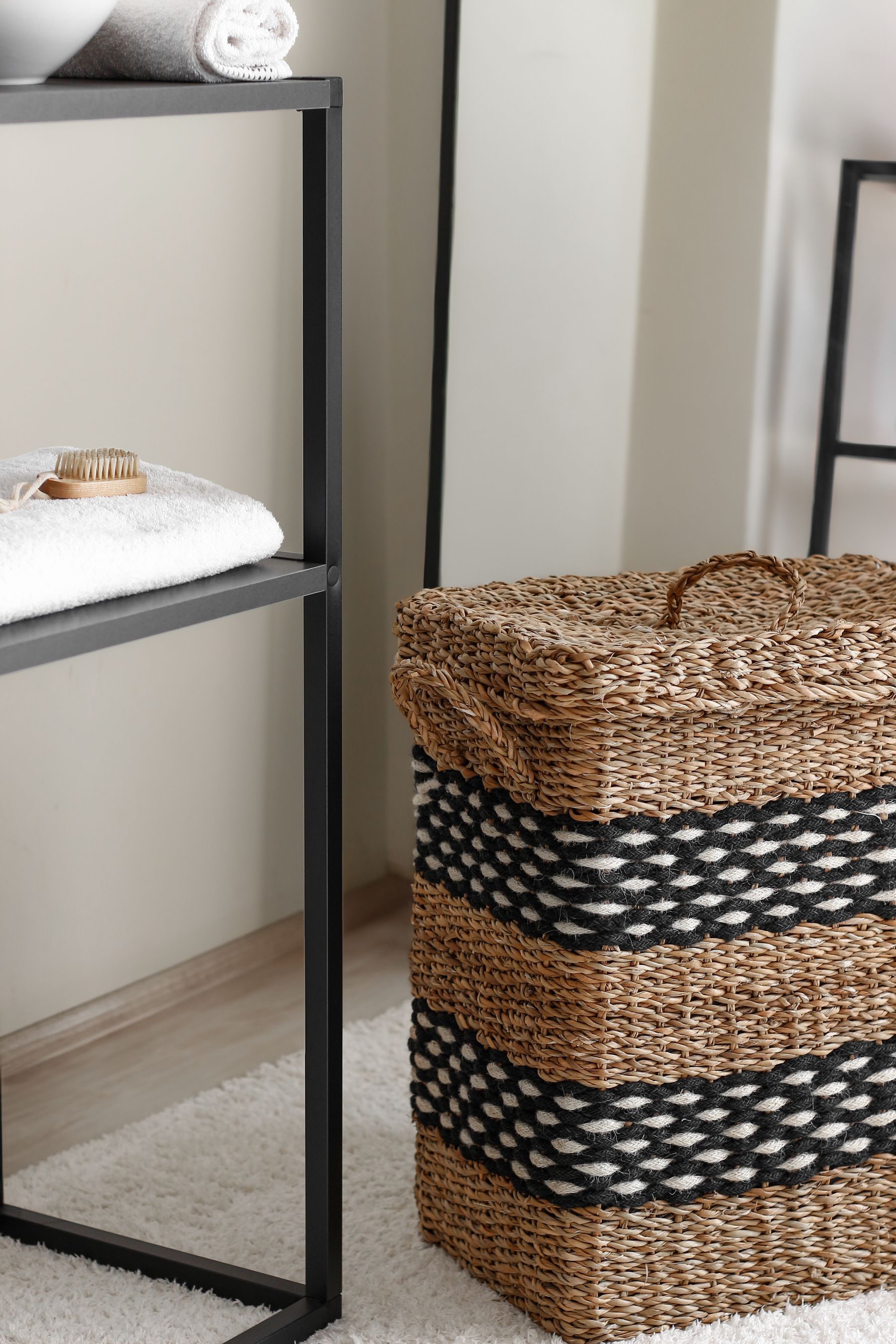
Room Conditions Matter
The same organizer may experience different conditions in different rooms.
Bathrooms, laundry rooms, pantries and closets differ in moisture, airflow, cleaning frequency and loading. Including the room context helps clarify whether the concern relates to construction, use, care or the surrounding environment.
- Note whether the area is enclosed, humid or exposed to heat.
- Explain whether the product was cleaned before the concern appeared.
- Describe the approximate type and amount of items stored.
Warranty Review and Product Care
Two different support paths may begin with similar symptoms.
A product concern may require closer review, or it may be resolved through care, setup or loading guidance. Complete context helps distinguish the two.
Review Path
When the product condition appears unusual.
Contact support when you notice an unexpected issue with construction, connection points, shape or function that cannot be explained by ordinary setup or care.
- Include clear images and order details.
- Stop using the product if continued use could worsen the condition.
- Wait for review guidance before discarding the item.
Care Path
When setup, cleaning or loading may be involved.
Some concerns can be connected to product placement, uneven loading, unsuitable cleaning methods or room conditions. Accurate details help identify whether practical adjustments are appropriate.
- Confirm the organizer fits without forced pressure.
- Distribute stored items thoughtfully.
- Use care methods appropriate to the product material.

Keep the Product Available
Do not remove useful evidence before the review is complete.
Keep the product, packaging information and any relevant components available while the request is being reviewed. The support process may require another image, measurement or description before a next step can be identified.
Warranty Support FAQ
Common questions before submitting a request.
These answers explain the support process without creating a fixed warranty period or promising a particular remedy.
What information should I include in my first message?
Include the customer name, order reference when available, product name, a concise description of the concern, clear photos and relevant details about use, care and room conditions.
Does submitting a request guarantee a replacement or refund?
No. A request begins a review. Any available support direction depends on the product, order information, condition, usage context and the details provided.
Should I continue using a product that appears damaged?
Stop using the product when continued use may worsen the condition, affect surrounding items or make the concern harder to assess. Keep the product available for documentation.
Can I discard the product after sending photos?
Keep the product and relevant components until the review is complete unless support guidance clearly states otherwise. Additional photos, measurements or details may be needed.
Where should I send a warranty support request?
Use the ZenHaven contact page or email info@zenhaven.mom. The contact page is the preferred route for providing the details needed to begin a review.
ZenHaven Support Information
Clear contact details for product and warranty support.
Use the contact page for a structured request, or contact us directly using the information below.
Shipping Time
3–5 business days
Phone
Address
Ready to Submit a Request
Share the order, product, photos and room context in one clear message.
Complete information helps the support review begin with a clearer understanding of the concern.